

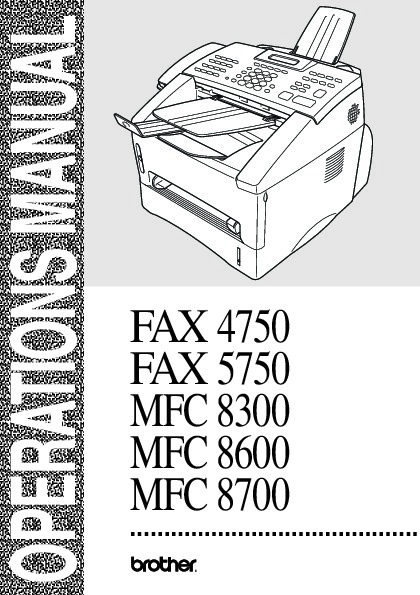
 Brother Printer Copier FAX 4750 FAX 5750 MFC 8300 MFC 8600 MFC 8700 Users Manual - Enlarge page 1 of 183
 2 of 183
 3 of 183
 4 of 183
 5 of 183
 6 of 183
 7 of 183
 8 of 183
 9 of 183
 10 of 183
 11 of 183
 12 of 183
 13 of 183
 14 of 183
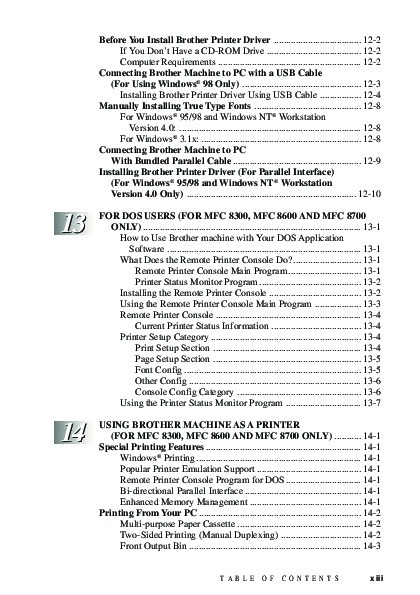 15 of 183
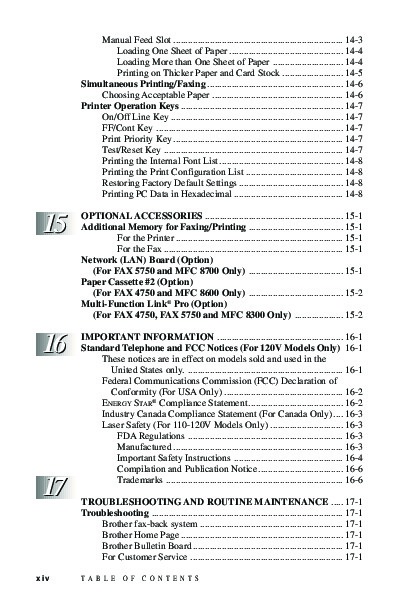 16 of 183
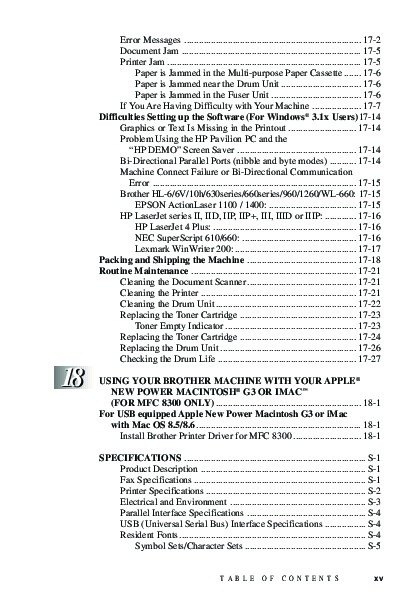 17 of 183
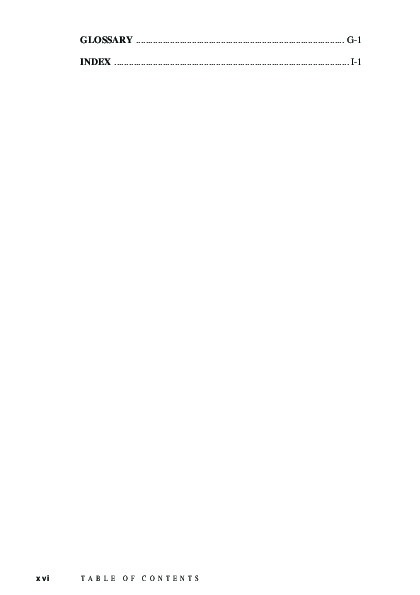 18 of 183
 19 of 183
 20 of 183
 21 of 183
 22 of 183
 23 of 183
 24 of 183
 25 of 183
 26 of 183
 27 of 183
 28 of 183
 29 of 183
 30 of 183
 31 of 183
 32 of 183
 33 of 183
 34 of 183
 35 of 183
 36 of 183
 37 of 183
 38 of 183
 39 of 183
 40 of 183
 41 of 183
 42 of 183
 43 of 183
 44 of 183
 45 of 183
 46 of 183
 47 of 183
 48 of 183
 49 of 183
 50 of 183
From inside (document excerpt):
Brother Laser Printers user’s guide for models FAX 4750, FAX 5750, MFC 8300, MFC 8600 and MFC 8700. Free PDF Service and Owner’s Manual Download.
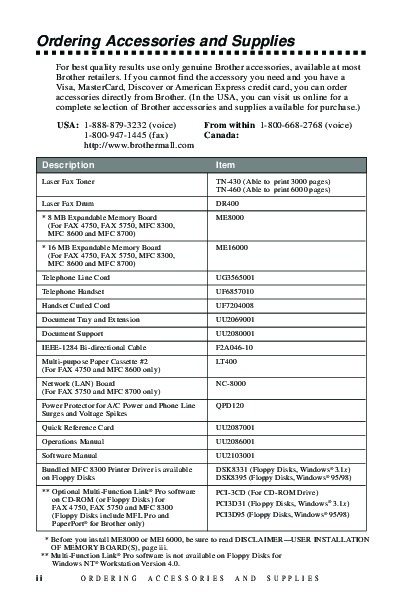
Toner cartridge for Brother Printer:
- TN-430 (Able to print 3000 pages)
- TN-460 (Able to print 6000 pages)
Laser Fax Drum DR400.
Contents
Description Laser Fax Toner
Laser Fax Drum
* 8 MB Expandable Memory Board (For FAX 4750, FAX 5750, MFC 8300, MFC 8600 and MFC 8700)
* 16 MB Expandable Memory Board (For FAX 4750, FAX 5750, MFC 8300, MFC 8600 and MFC 8700)
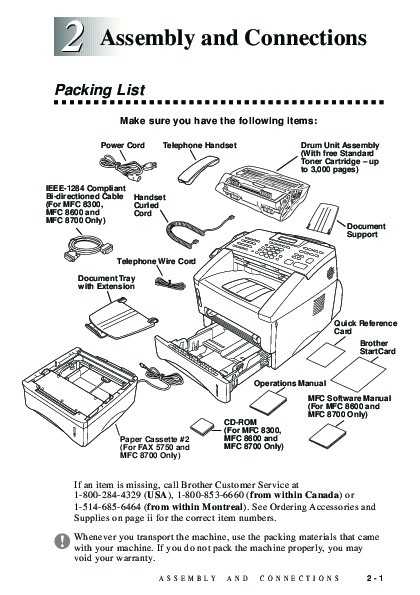
Telephone Line Cord
Telephone Handset
Handset Curled Cord
Document Tray and Extension
Document Support
IEEE-1284 Bi-directional Cable
Multi-purpose Paper Cassette #2
(For FAX 4750 and MFC 8600 only)
Network (LAN) Board
(For FAX 5750 and MFC 8700 only)
Power Protector for A/C Power and Phone Line Surges and Voltage Spikes
Quick Reference Card
Operations Manual
Software Manual
Bundled MFC 8300 Printer Driver is available on Floppy Disks
** Optional Multi-Function Link® Pro software on CD-ROM (or Floppy Disks) for FAX 4750, FAX 5750 and MFC 8300 (Floppy Disks include MFL Pro and PaperPort® for Brother only)
Item
TN-430 (Able to print 3000 pages) TN-460 (Able to print 6000 pages) DR400 ME8000 ME16000
UG3565001 UF6857010 UF7204008 UU2069001 UU2080001 F2A046-10 LT400 NC-8000 QPD120 UU2087001 UU2086001 UU2103001
DSK8331 (Floppy Disks, Windows® 3.1x) DSK8395 (Floppy Disks, Windows® 95/98)
PCI-3CD (For CD-ROM Drive)
PCI3D31 (Floppy Disks, Wind ows® 3.1x) PCI3D95 (Floppy Disks, Windows® 95/98)
* Before you install ME8000 or ME16000, be sure to read DISCLAIMER—USER INSTALLATION OF MEMORY BOARD(S), page iii.
** Multi-Function Link® Pro software is not available on Floppy Disks for
Windows NT® Workstation Version 4.0.
Table of Contents
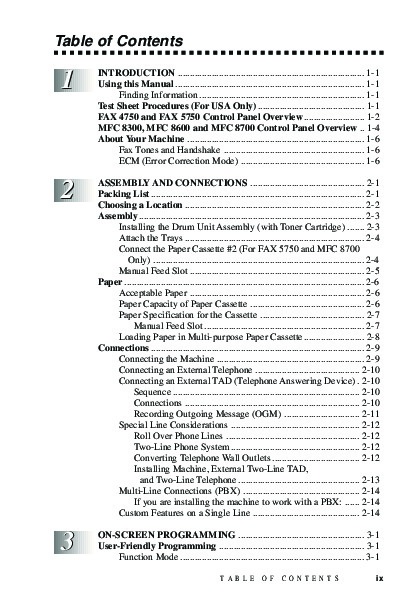
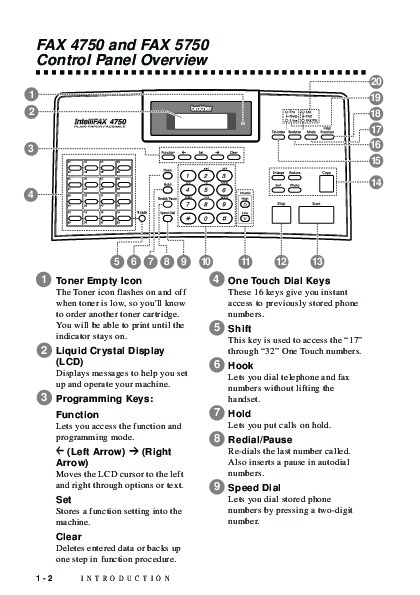
FAX 4750 and FAX 5750 Control Panel Overview. 1-2
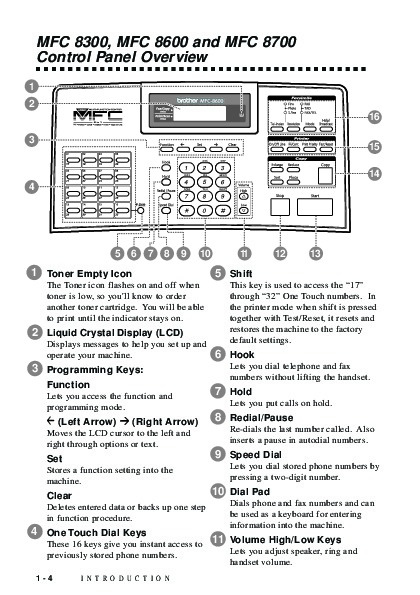
MFC 8300, MFC 8600 and MFC 8700 Control Panel Overview. 1-4
About Your Machine. 1-6
Fax Tones and Handshake. 1-6
ECM (Error Correction Mode). 1-6
ASSEMBLY AND CONNECTIONS. 2-1
Packing List. 2-1
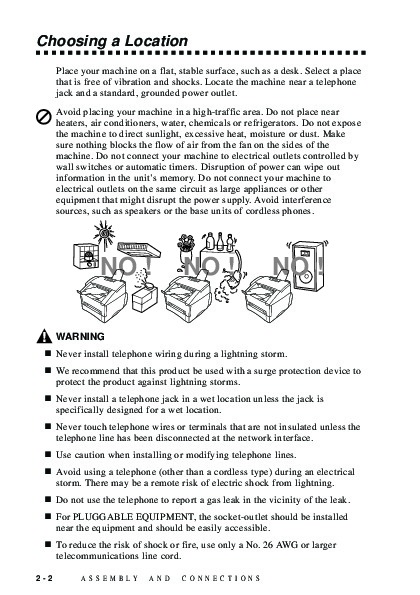
Choosing a Location. 2-2
Assembly. 2-3
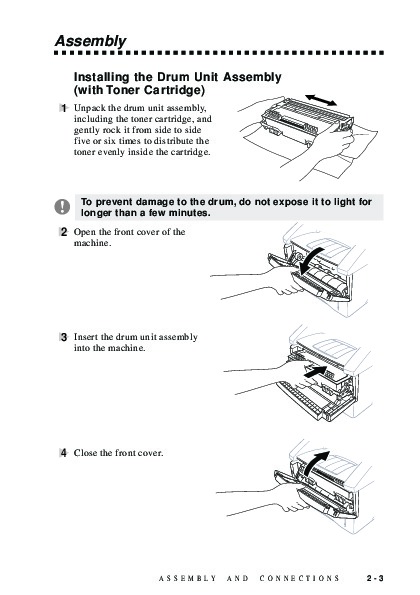
Installing the Drum Unit Assembly (with Toner Cartridge). 2-3
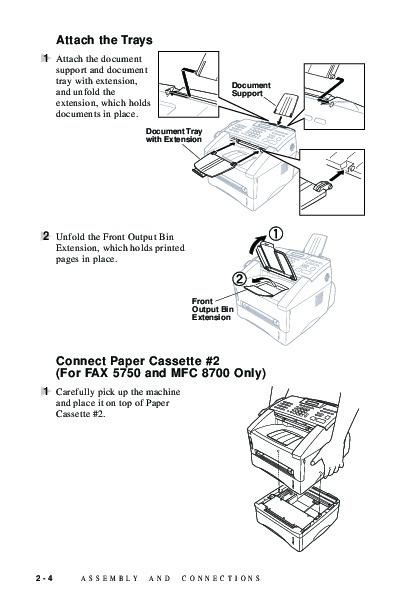
Attach the Trays. 2-4
Connect the Paper Cassette #2 (For FAX 5750 and MFC 8700 Only). 2-4
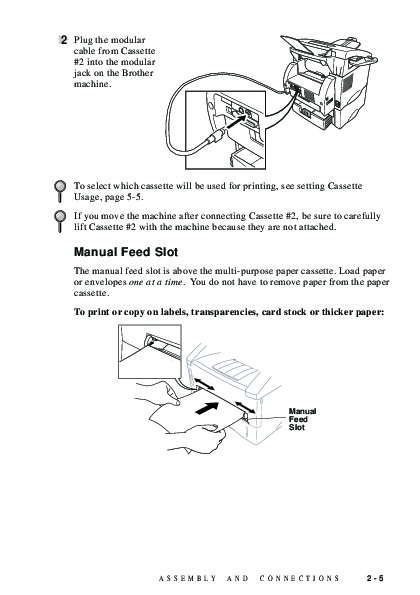
Manual Feed Slot. 2-5
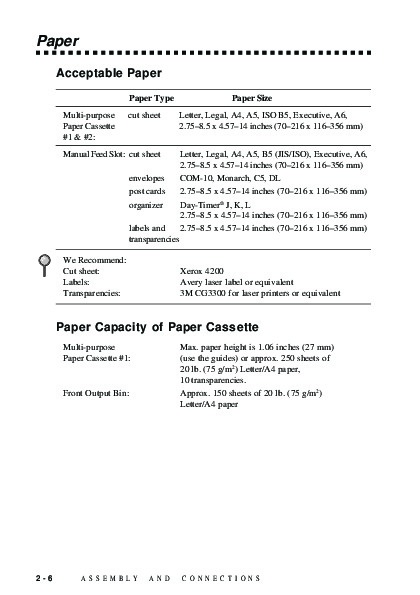
Paper. 2-6
Acceptable Paper. 2-6
Paper Capacity of Paper Cassette. 2-6
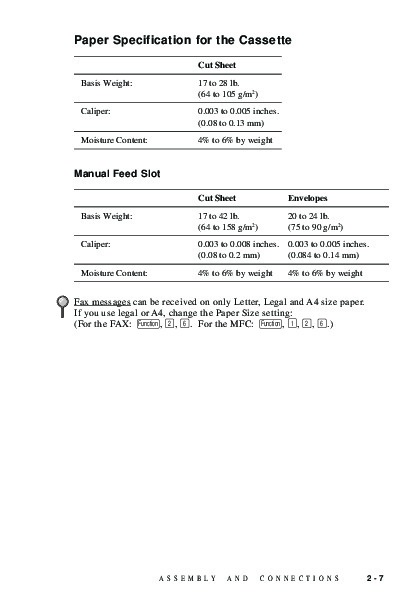
Paper Specification for the Cassette. 2-7
Manual Feed Slot. 2-7
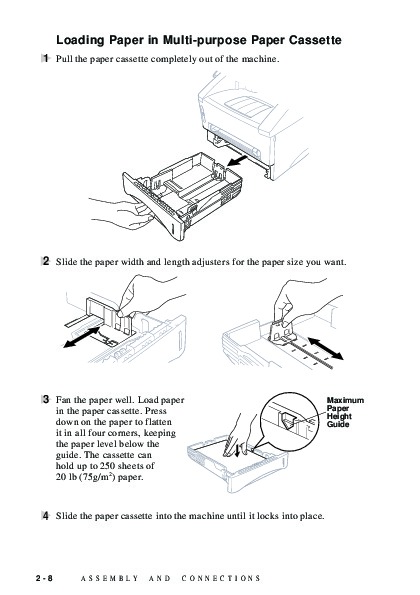
Loading Paper in Multi-purpose Paper Cassette. 2-8
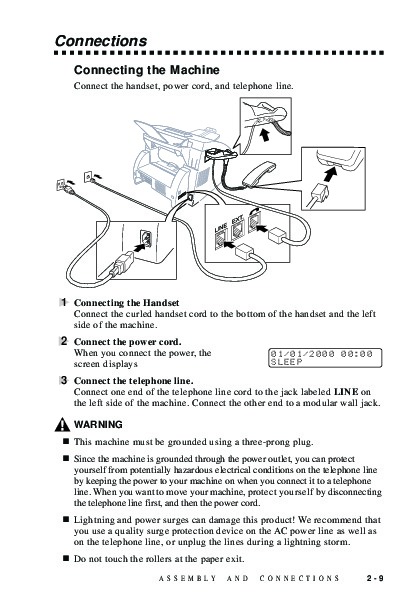
Connections. 2-9
Connecting the Machine. 2-9
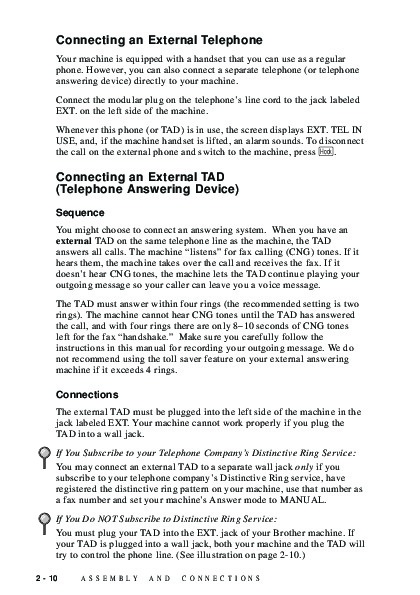
Connecting an External Telephone. 2-10
Connecting an External TAD (Telephone Answering Device). 2-10
Sequence. 2-10
Connections. 2-10
Recording Outgoing Message (OGM). 2-11
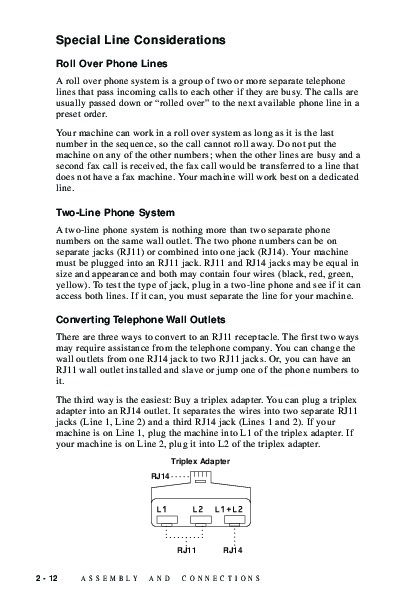
Special Line Considerations. 2-12
Roll Over Phone Lines. 2-12
Two-Line Phone System. 2-12
Converting Telephone Wall Outlets. 2-12
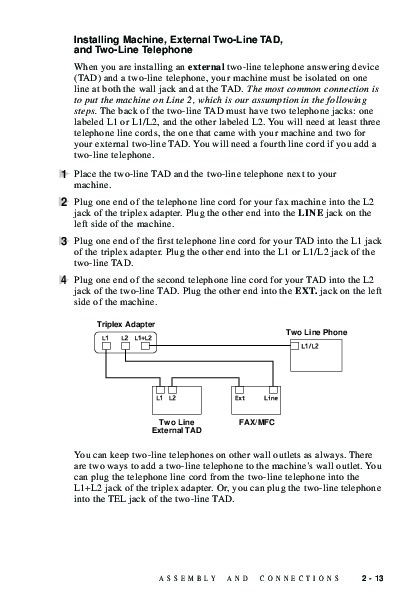
Installing Machine, External Two-Line TAD,
and Two-Line Telephone. 2-13
Multi-Line Connections (PBX). 2-14
If you are installing the machine to work with a PBX:. 2-14
Custom Features on a Single Line. 2-14
ON-SCREEN PROGRAMMING. 3-1
User-Friendly Programming. 3-1
Function Mode. 3-1
Do You Have a FAX or MFC?. 3-1 Function Selection Table. 3-2
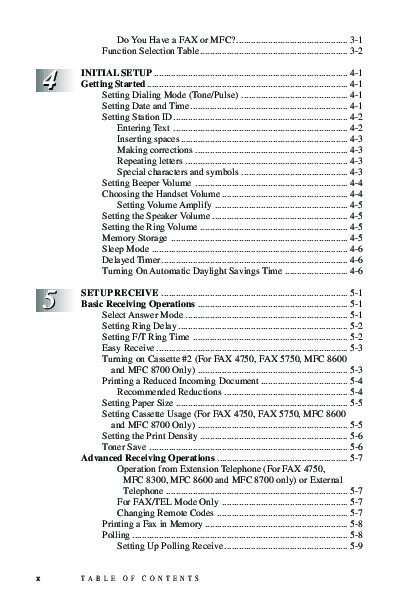
INITIAL SETUP. 4-1
Getting Started. 4-1
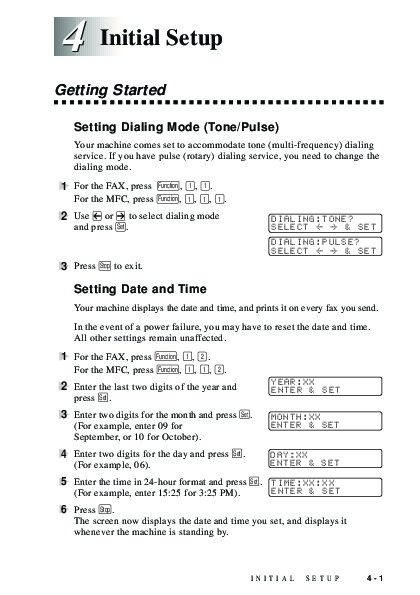
Setting Dialing Mode (Tone/Pulse). 4-1
Setting Date and Time. 4-1
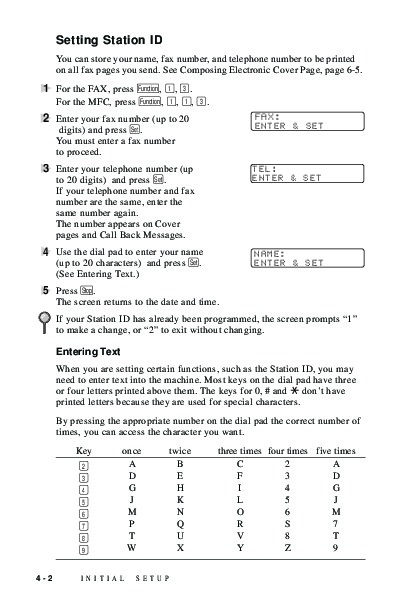
Setting Station ID. 4-2
Entering Text. 4-2
Inserting spaces. 4-3
Making corrections. 4-3
Repeating letters. 4-3
Special characters and symbols. 4-3
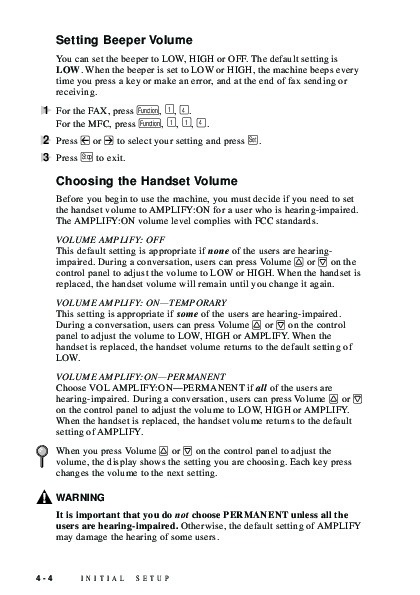
Setting Beeper Volume. 4-4
Choosing the Handset Volume. 4-4
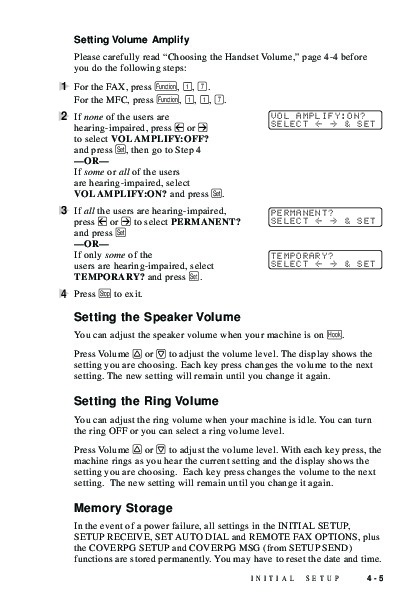
Setting Volume Amplify. 4-5
Setting the Speaker Volume. 4-5
Setting the Ring Volume. 4-5
Memory Storage. 4-5
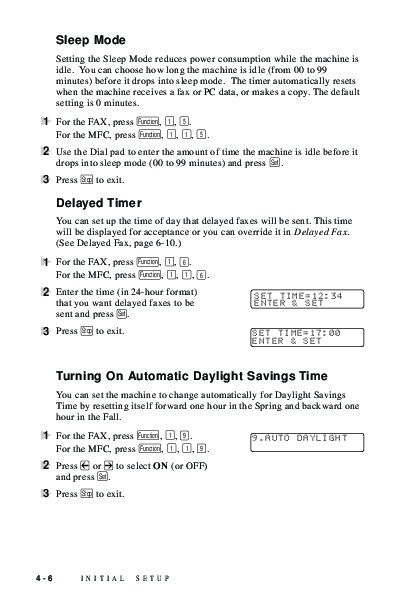
Sleep Mode. 4-6
Delayed Timer. 4-6
Turning On Automatic Daylight Savings Time. 4-6
SETUP RECEIVE. 5-1
Basic Receiving Operations. 5-1
Select Answer Mode. 5-1
Setting Ring Delay. 5-2
Setting F/T Ring Time. 5-2
Easy Receive. 5-3
Turning on Cassette #2 (For FAX 4750, FAX 5750, MFC 8600 and MFC 8700 Only). 5-3
Printing a Reduced Incoming Document. 5-4
Recommended Reductions. 5-4
Setting Paper Size. 5-5
Setting Cassette Usage (For FAX 4750, FAX 5750, MFC 8600 and MFC 8700 Only). 5-5
Setting the Print Density. 5-6
Toner Save. 5-6
Advanced Receiving Operations. 5-7
Operation from Extension Telephone (For FAX 4750, MFC 8300, MFC 8600 and MFC 8700 only) or External Telephone. 5-7
For FAX/TEL Mode Only. 5-7
Changing Remote Codes. 5-7
Printing a Fax in Memory. 5-8
Wikipedia’s page for Brother Industries
Publisher: www.brother-usa.com